
SpeedExplainer · Explainer video maker
Your next story,  made with SpeedExplainer
Animated explainer video examples by SpeedExplainer
Sample videos keep their original audio and subtitles.
More ways to create with SpeedExplainer
Agent skill
Inside Codex and Claude Code
One command installs the skill. Ask your agent for a video and get the MP4 back.
Install the skill
Vertical
Made for Shorts, Reels and TikTok
Pick 9:16 and the storyboard is composed for a phone screen, subtitles included.
Make a vertical one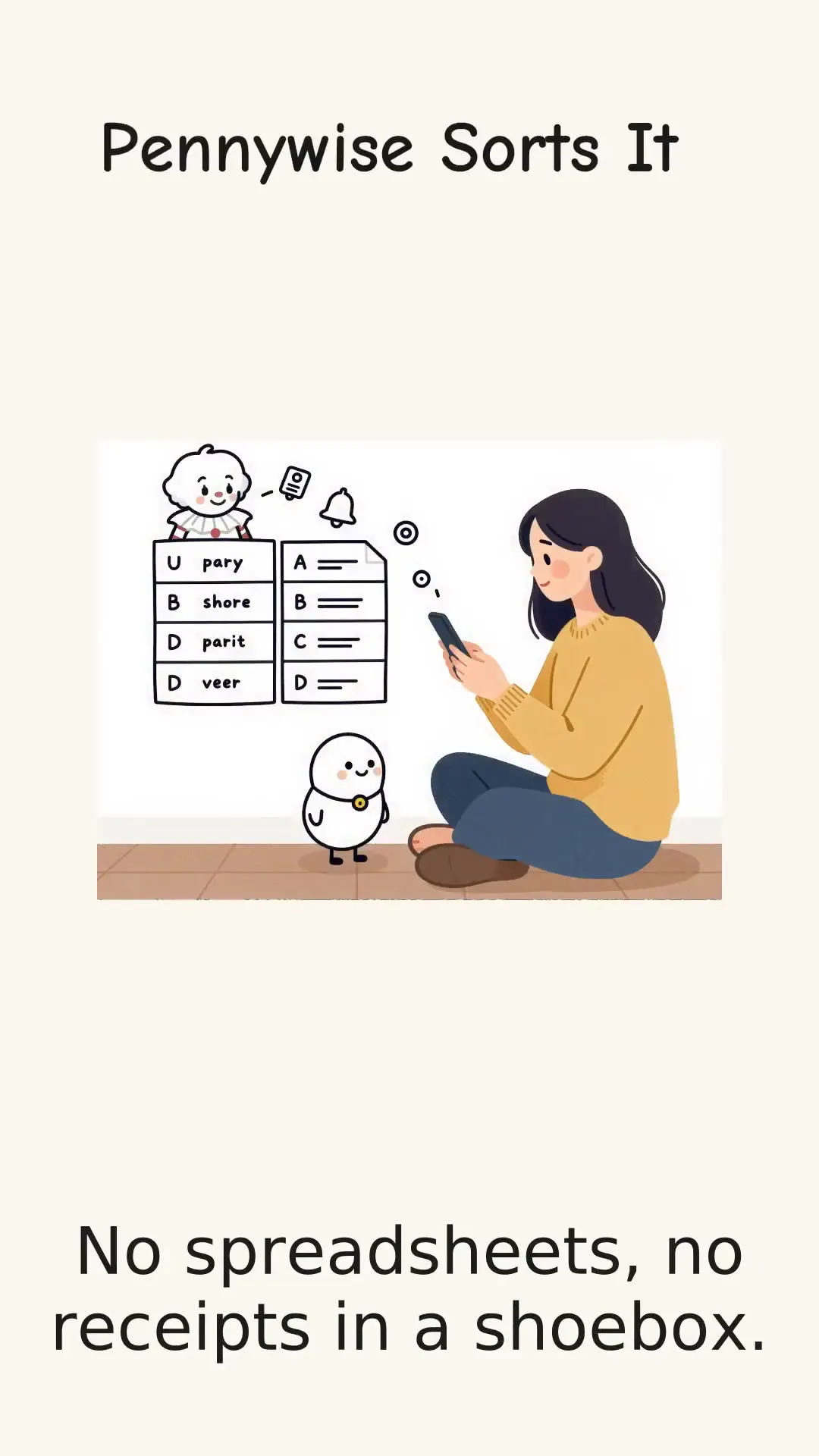
Languages
Narration in your language
The voice follows the language of your text, or ask for another one for the same video.
Try a lesson
An animated explainer video that starts with your idea
SpeedExplainer turns a topic, article or document into an illustrated story. Review the script and sketches in your workspace, see the cost, and start rendering when the plan is ready.
One idea per scene
Explain a process, introduce a product or tell a history story. SpeedExplainer organizes your source into short scenes so you can check the sequence before creating the finished MP4.
Pictures, narration and captions together
SpeedExplainer pairs the drawing with spoken narration and timed subtitles. Viewers can follow the same explanation with the sound on or read the captions with the sound off.
Change the part that needs work
Open the scene you want to revise in SpeedExplainer, edit its narration or redraw an illustration, then review the update price. Previous versions stay available for comparison.
An explainer video maker with a scene-by-scene workflow
Keep your source, storyboard, illustrations and finished versions in one SpeedExplainer conversation.
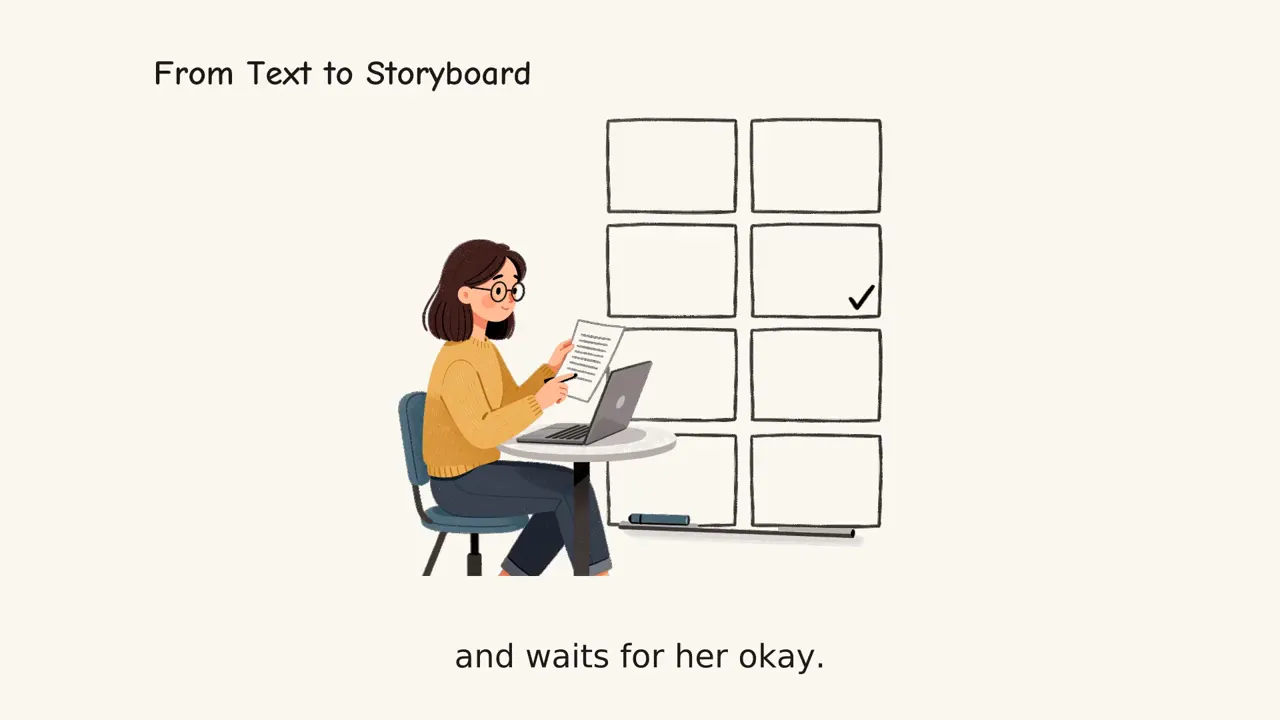
SpeedExplainer drafts one idea per scene from your source. Check the wording and the order, then confirm the displayed price before rendering.
SpeedExplainer turns the storyboard into illustrations that are drawn on screen. Preset examples replay prepared assets; your own text follows the generation workflow.
Choose a male or female narrator in SpeedExplainer. The result includes burned-in subtitles and an SRT file. Custom voice support is coming soon.
SpeedExplainer supports targets from 5 seconds to 5 minutes and 16:9, 9:16, 1:1 or 4:5 framing. Actual length can vary with the narration.
Install the skill for Codex or Claude Code, or connect the remote MCP server. The browser and agent workflows use the same account balance.
Make your point with SpeedExplainer
SpeedExplainer supports product introductions, lessons, training and short stories. Start with the material you already have and review the details before sharing.
L&D · HR · Training
SOPs, policies and onboarding that people actually watch.
Start creating →Marketing · Brand
Product explainers and launch teasers without a video team.
Start creating →Educators · Course creators
Lessons students can replay, in their language.
Start creating →Founders · Sales
Say what the product does in 60 seconds, for the homepage and the deck.
Start creating →
Use SpeedExplainer in your browser or your AI tools
- Claude Code
- Codex
- Cursor
- VS Code
- ChatGPT
- Any MCP client
Install the agent skill · one command: npx --yes github:SpeedPainterOrg/explainer-video · MCP: https://api.speedpainter.org/mcp
Create an animated explainer video in three steps
- 01
Give SpeedExplainer your source
Enter a topic, paste your notes, add a link or attach a document. Choose the narration language, voice, length and aspect ratio. Start with 15 seconds for a short first draft.
- 02
Review your SpeedExplainer storyboard
Read each scene and inspect its sketches. Edit the wording before rendering. New sketches cost 1 credit each; the generation button shows the price of the finished result.
- 03
Create, watch and revise
SpeedExplainer draws the scenes, adds narration and subtitles, and returns a downloadable MP4. Open the editor to change a scene and compare the updated result with the previous version.
Your SpeedExplainer questions, answered
What is an animated explainer video?
An animated explainer video uses illustrated scenes and narration to explain a topic. SpeedExplainer produces a hand-drawn style with timed subtitles. You can inspect the script and sketches before starting the render.
How long can my SpeedExplainer result be?
Choose a target from 5 seconds to 5 minutes. The default is 15 seconds, suitable for a brief idea. SpeedExplainer fits the narration to your target, but the final length can vary rather than cut off a sentence.
How does SpeedExplainer pricing work?
A new sketch costs 1 credit. A first render costs 2 credits per second of target length, so 15 seconds costs 30 credits plus sketches. Prepared examples follow the same pricing. SpeedExplainer shows the price before rendering; failed or cancelled renders return their video charge.
Can I change one scene in SpeedExplainer?
Yes. Open Modify video, select a scene, and change its narration or redraw an image. New drawings cost 1 credit each; an eligible update charges for changed narration scenes. Deleting scenes or changing titles has no update charge. Changing duration, aspect ratio, language or voice, or adding scenes, uses full pricing. Check the quote before confirming.
Can I use SpeedExplainer from my AI tools?
Yes. Run npx --yes github:SpeedPainterOrg/explainer-video for Codex and Claude Code, or add https://api.speedpainter.org/mcp to a supported MCP client and sign in. Your account balance is shared with the browser. An agent can also extract source text from a URL or document before passing it to the service.
What happens to the source I give SpeedExplainer?
Your source is sent to the service and its model providers for planning and narration. The conversation and extracted text are saved so you can return to the work. Finished media is available through a playback and download link. Only provide material you are allowed to share.
Make your next animated explainer video with SpeedExplainer
Start with one idea or a short paragraph. Check the storyboard, choose your voice and review the price before you generate.
Create with SpeedExplainer